Interaction frameworks for teams who ship
HumanCodeable builds the interaction, UI and platform layer so you can spend your time on the thing you are actually making. One content set that runs in VR, on desktop and on mobile.
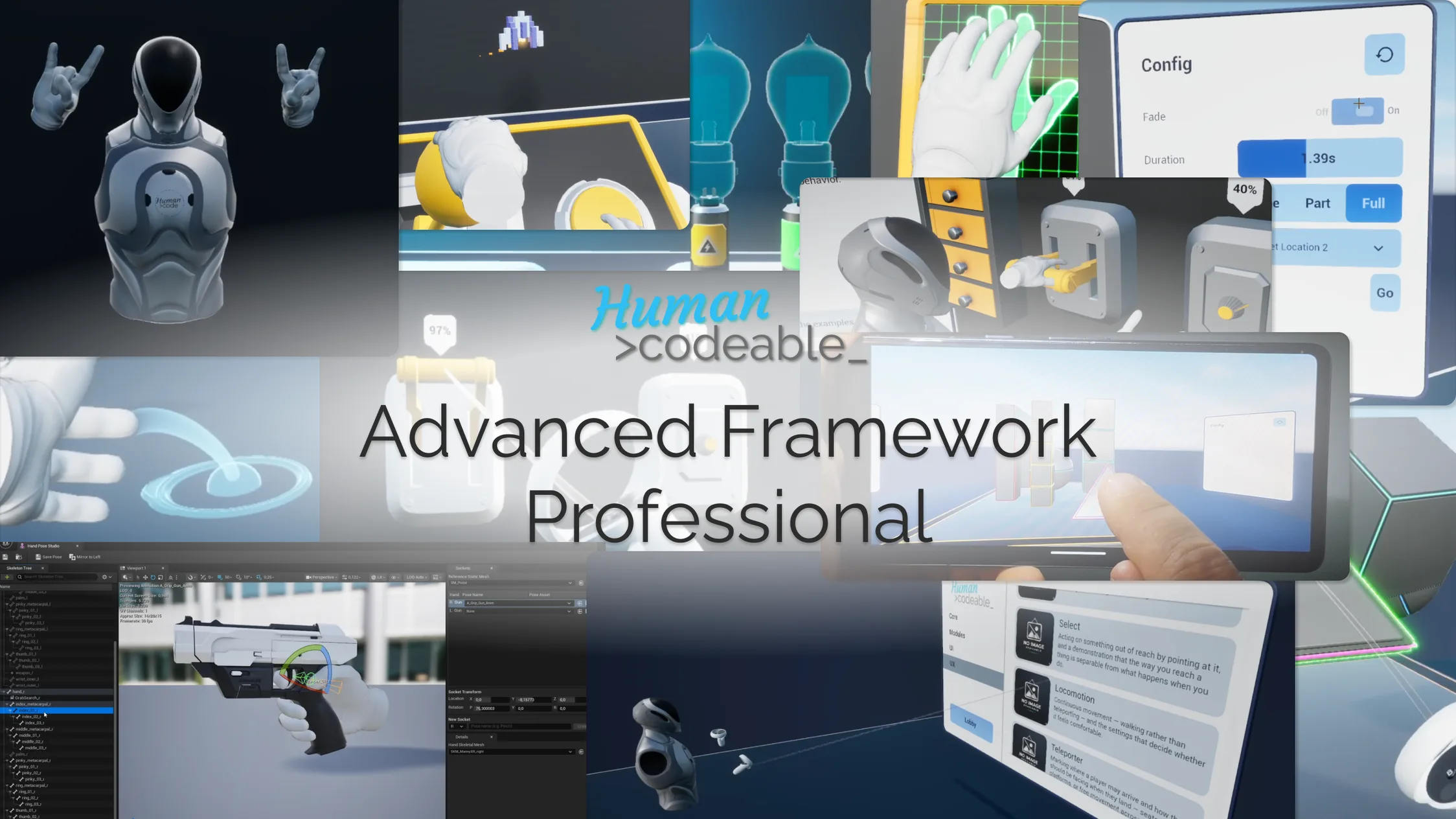
Built for architectural visualisation, product configurators, training simulations and any project that has to run on more than one kind of device.
Why teams use it
One content set, three platforms
Interactable objects never reference a pawn class. The same actor is grabbed by a VR hand, clicked on desktop and tapped on mobile — no branching, no duplicate content.
Modular by design
42 independent plugins. Take the whole framework or only the parts you need. Dependencies point one direction, so nothing drags in everything.
Multiplayer from the start
Adaptive transform replication, a custom net driver and replicated UI are part of the framework, not an extension you bolt on later.
Blueprint-first, extensible
Almost entirely Blueprint, so your team can read and extend it. C++ where it earns its place: hand tracking, networking and editor tooling.
Products
A core framework, and extension packs that build on it.
Advanced Framework Pro
A complete interaction and UI framework for Unreal Engine. 42 modular plugins, one content set, three platforms.
Learn more →
Productivity Tools Extension
Working tools for review and collaboration in VR: paintbrush, whiteboard, annotation, measurement and shared session markup.
Learn more →
ArchViz Extension
Tools for presenting architecture in real time: material and finish switching, sun studies, measurement, sectioning and guided walkthroughs.
Learn more →
Configurator & Showcase Extension
Build product configurators and showcases: variant switching, turntables, exploded views, hotspot annotation and presentation flow.
Learn more →Everything you need to get it working
Three places to look, depending on how you prefer to learn — and all three are maintained alongside the framework rather than written once and abandoned.
Documentation
A page per plugin with setup, usage, key properties and extension points, plus a full API reference generated from the source so it cannot silently drift. Concepts and task-based workflows are documented separately, so you learn the model once instead of reverse-engineering it per feature.
Open the documentation →Discord
Where support happens. Post your engine version, which plugins are enabled and what you expected, and you will get an answer — in public, so the next person with the same problem finds it instead of asking again.
Join the Discord →Video tutorials
Walkthroughs of installation and then the individual systems, in roughly the order the documentation introduces them. Useful if you would rather watch someone do it once before doing it yourself.
Watch on YouTube →